For various reasons you might face a requirement that needs the NSX-T Manager’s thumbprint… This could be when you deploy a standalone NSX-T Edge or the NSX-T Cloud Services Manager (CSM). My use case for deploying the NSX-T CSM.

Step 1: Open a SSH session to the NSX-T manager with the admin credentials
Step 2: On the NSX-T Manager terminal run the following command: get certificate api thumbprint
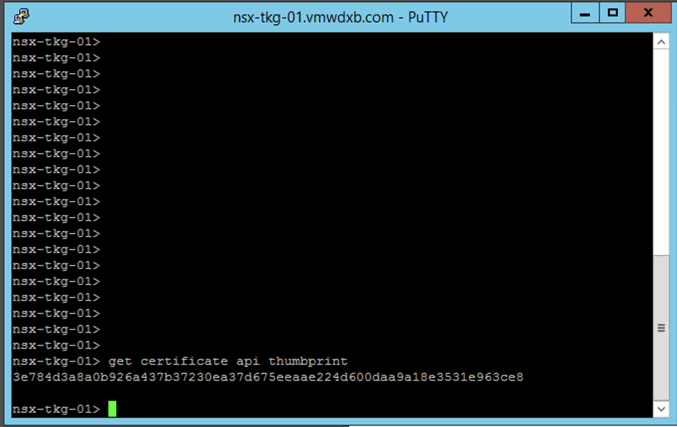
Now you can copy the output to where ever you needed it.
 Yo Go Virtual
One thought on “Quick Tip: How to get the NSX-T Manager’s Thumbprint”